In this tutorial I want to show you my common way of creating shades. This is very simple, but also very effective. I describe my method on 3 examples. They are all very similar and just show, how easy it is to get good results with few effort.
Line-Shadow
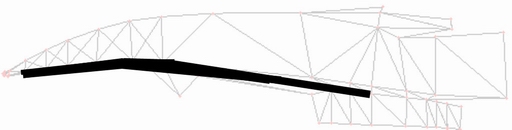
The first one is based on a simple black line about 15 px width. Create a new layer and just draw
the rough way it is supposed to be.
Next step I use Gauzsian Blur to smooth the edges. This one had the settings 6.5 px.
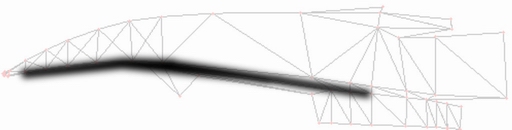
Now decrease the opacity of the layer down to about 40% or try what fits you the most.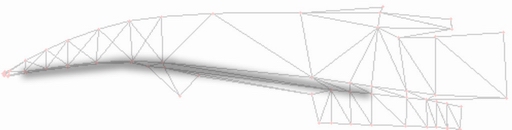
Last thing, take the Eraser-tool (smooth, 150px width, 30% opactiy) and redo the edges, so that they are more smooth.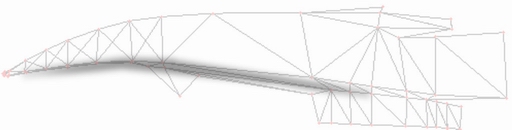
That's it. This way you can easily create all kinds of shades or lightings.
Gradient-Shadows
The following shadings are done nearly the same way as above.
This time I take a black-gradient as my base.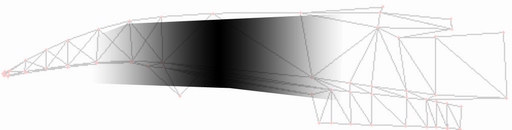
Again Gaussian Blur.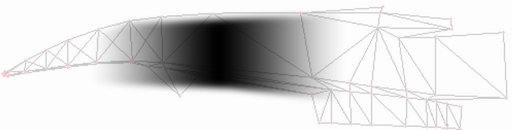
Layer-opactiy down to 20%.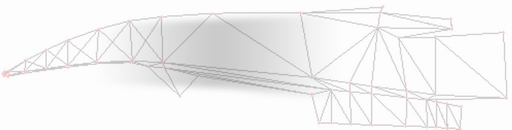
And finally a slight retouch with the eraser.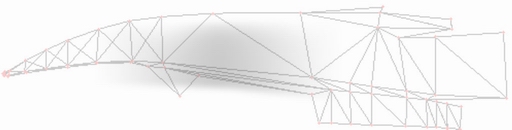
Gradient-Shadows
With this technique you can get good results even from a rather crude basis.
Here I just drew a small splash.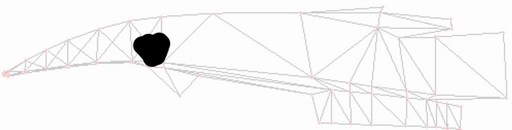
Guassian Blur ...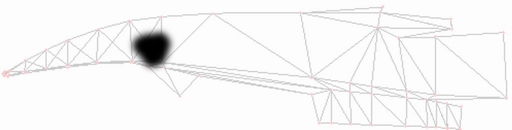
... and opacity-tweaking later.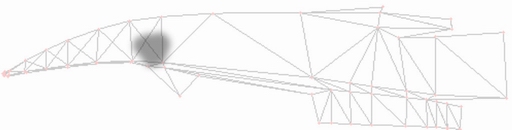
And some more retouches with the Raser and you get a nice shadow for your suspensions.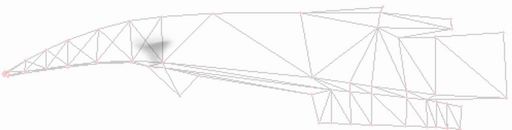
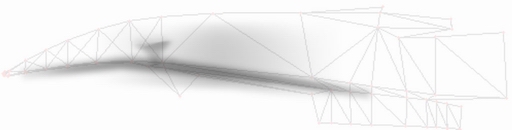
And so we get in a matter of less than 3 minutes some proper basic shadings for your car-nose. The same techniques of course can also applied to all other shadings.
Have Fun experimenting!